
Garden tile“The first flower has opened.”
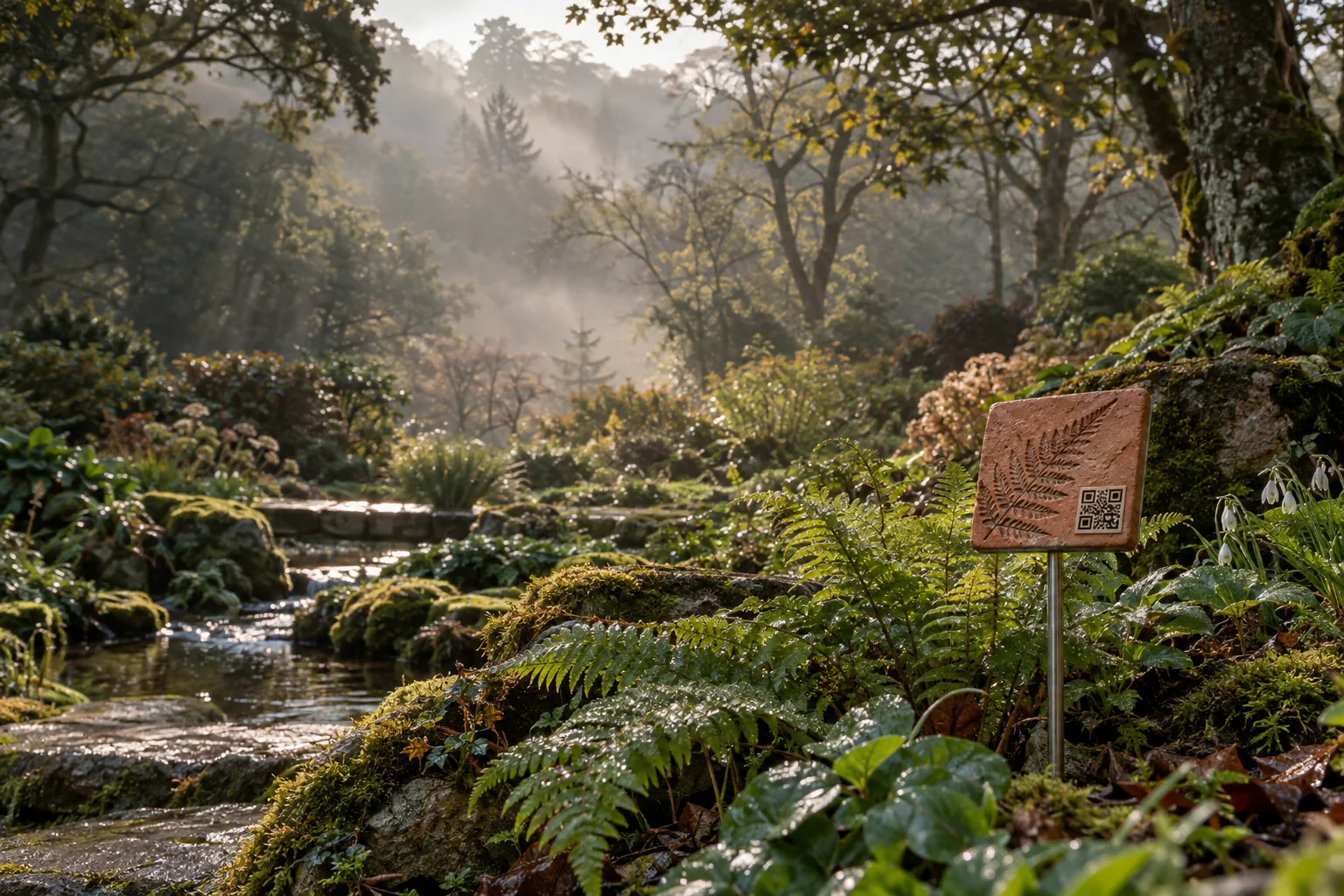
For gardens, schools and places you care for
Put up a tile.
See what’s changing.
People scan your tile and share photos, sounds and things they notice. You see it in one place and choose what to share.
Photos from the same spotSomething to look back on, season after season.
How it works
Three easy
steps.
Put up a tile. Visitors share what they notice. You review it in your private workspace.
- 01
Put up your tile.
Choose a ceramic or acrylic QR tile for your venue.
- 02
People scan and share.
Visitors use their phones to share photos, sounds and observations.
- 03
You see what changes.
Review contributions privately, choose what to share, and compare what people notice over time.
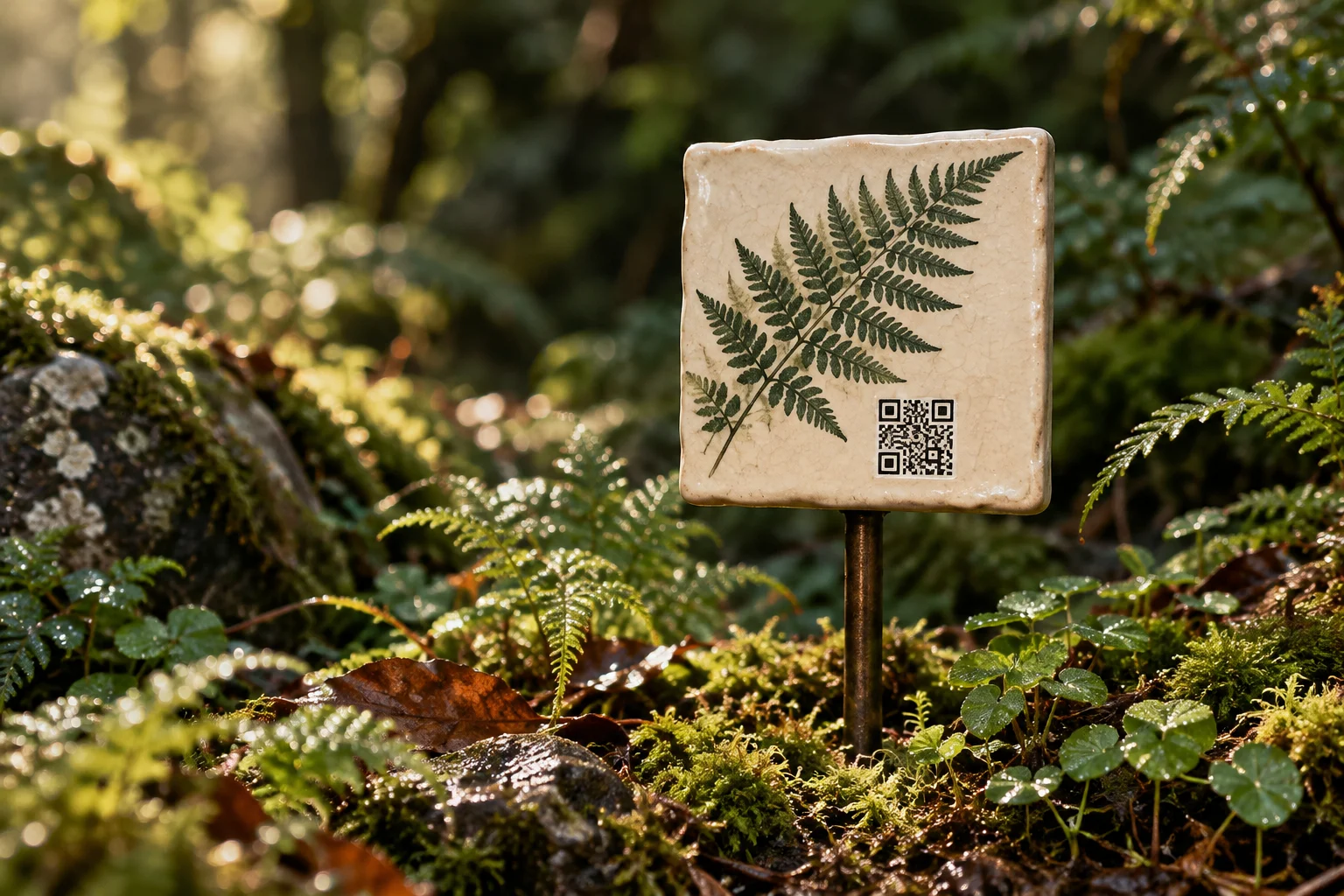
The ceramic tile
A tile for
your favourite
place.
Put one beside a tree, a flower bed or a stretch of path. Its QR code opens a page where people can add what they’ve noticed.
The tile doesn’t need batteries. You take the photos and make the recordings with your phone.
Set up your venueAsk about a tile, a page for your place and the subscription. We’ll agree the details before you buy.
At home, at school or out for a walk
Follow one plant.
Or a whole garden.
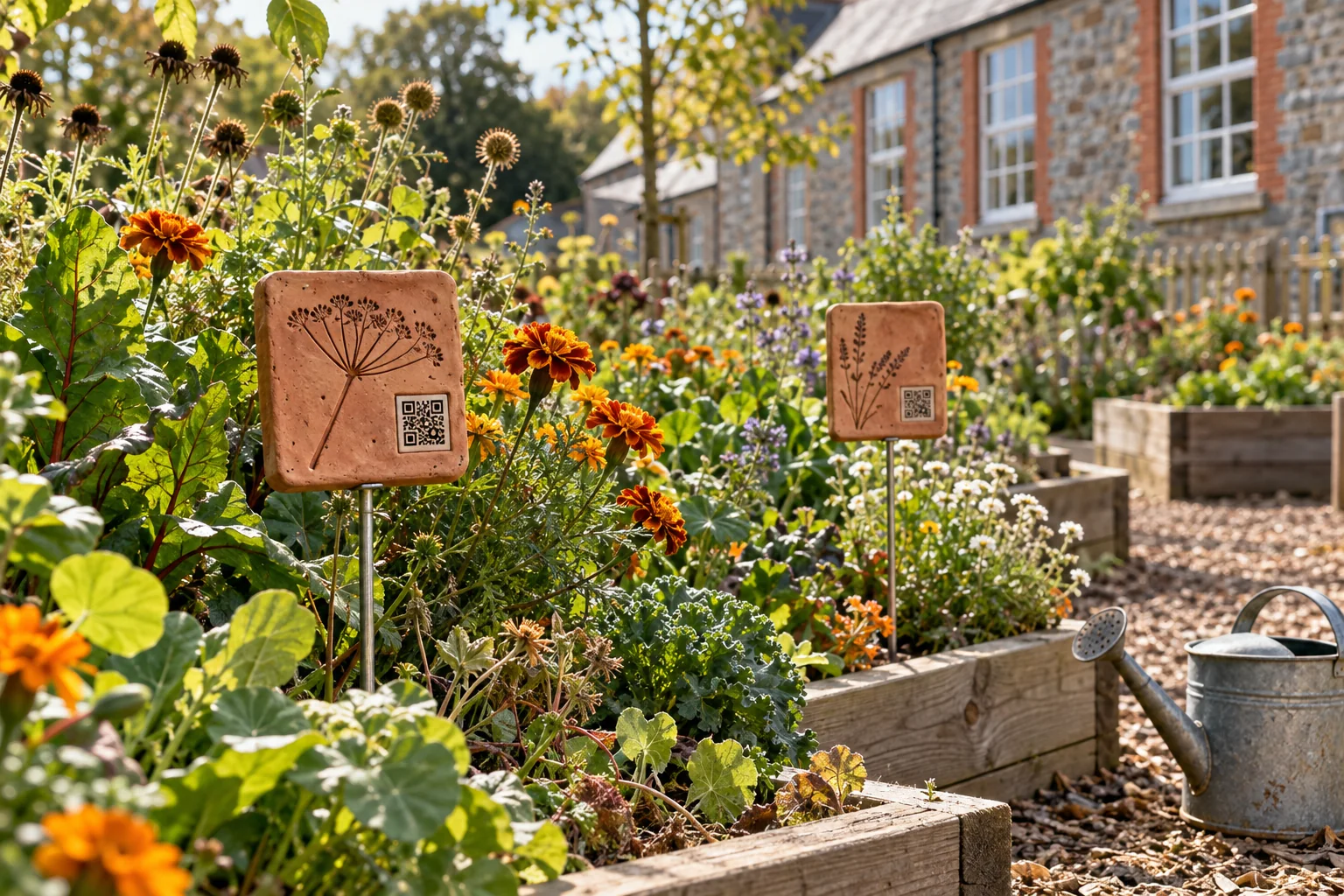
In the school garden
Was it flowering
this time last year?
A class can photograph the same plants through the year, with a teacher’s help.
Keep the photos with their dates. Next year’s class can look back and see what grew, what flowered and when.
Talk about a school gardenWhat we’re working towards
What could we learn
by comparing notes?
Imagine comparing the first snowdrops in several gardens, or photographs of a river after the same storm. We want to help local groups bring those records together.
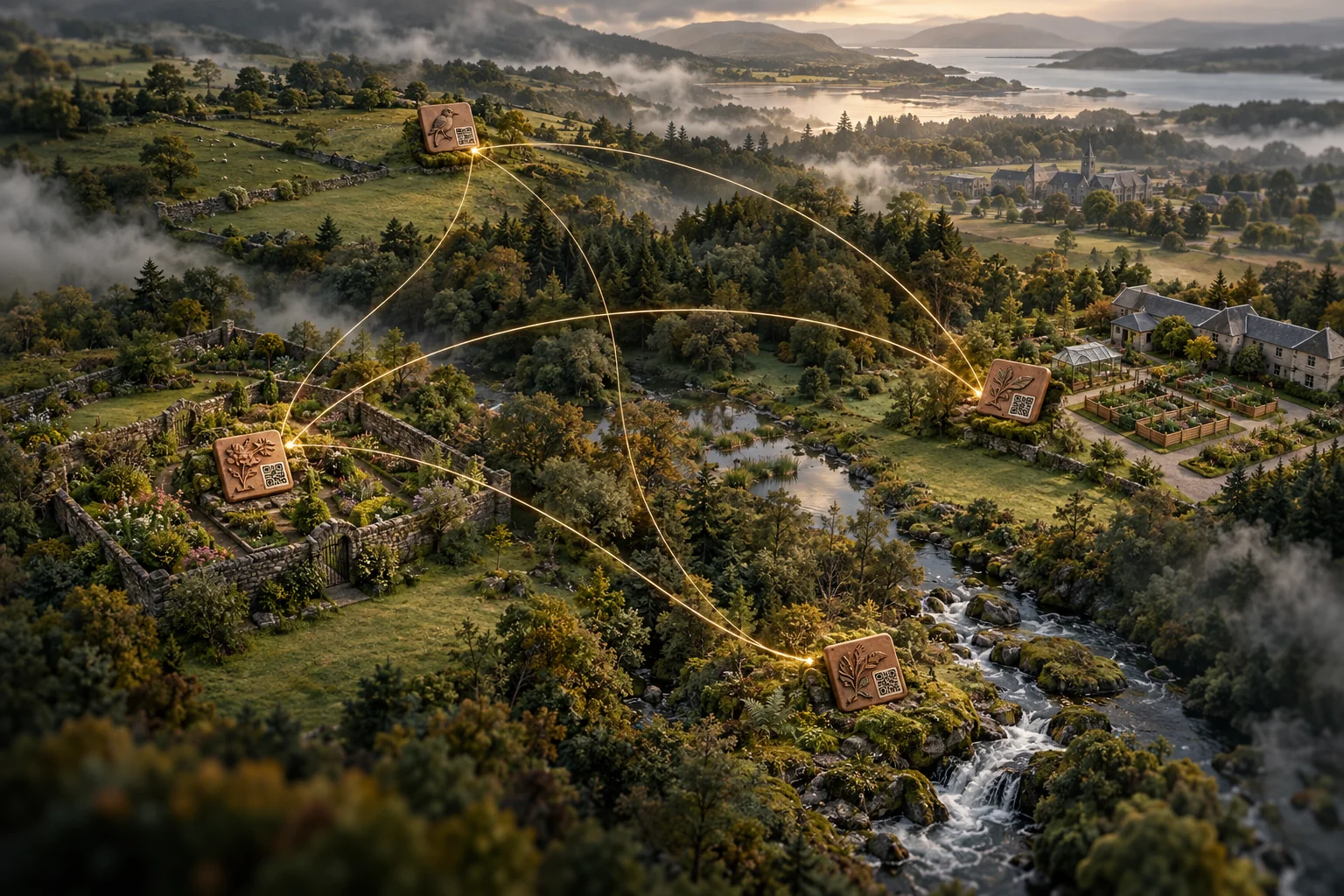
River tile“Water over the stepping stone.”
School tile“The leaves are turning.”
These are examples, not real entries.
- 01 / Save the details
Keep the date.
Keep the date, place and photographer with each photo. If the date is unknown, say so.
- 02 / Visit again
Compare your photos.
Photograph the same spot again. Notice the changes, and the weeks or months with no photos.
- 03 / Keep asking
Find out more.
A photo can show a change without explaining why it happened. More visits and expert help may give you a clearer answer.
Last year’s photos give you
something to compare with this year.
Who it’s for
For people who
look after places.
You can start
with a single tile.
01
A gift for a gardener
Give someone a tile for a place they love, with somewhere to keep its photos as the garden grows.
Ask about a gift02
Gardens and visitor places
Invite visitors to add a photo or a sound. Keep their discoveries together, ready to look back on next season.
Ask about your garden03
Councils and local groups
Keep track of what people notice in local parks, along rivers and around the places you care for.
Browse areas04
Businesses and site teams
Keep site photos, reports and notes in one place, so your team can find them and see what has changed.
Tell us about your siteFor councils and businesses
Keep your site’s records
in one place.
Find the photos from the last site visit, the survey they belong to and the notes from your team.
When someone asks what has changed, you have the records to hand. Keep track of what has been checked and what still needs a closer look.
Tell us about your site See the tools for teamsGet in touch
Have a place
in mind?
Tell us a little about it. We’ll help you work out where a tile could go and how to get started.
Send an enquiry